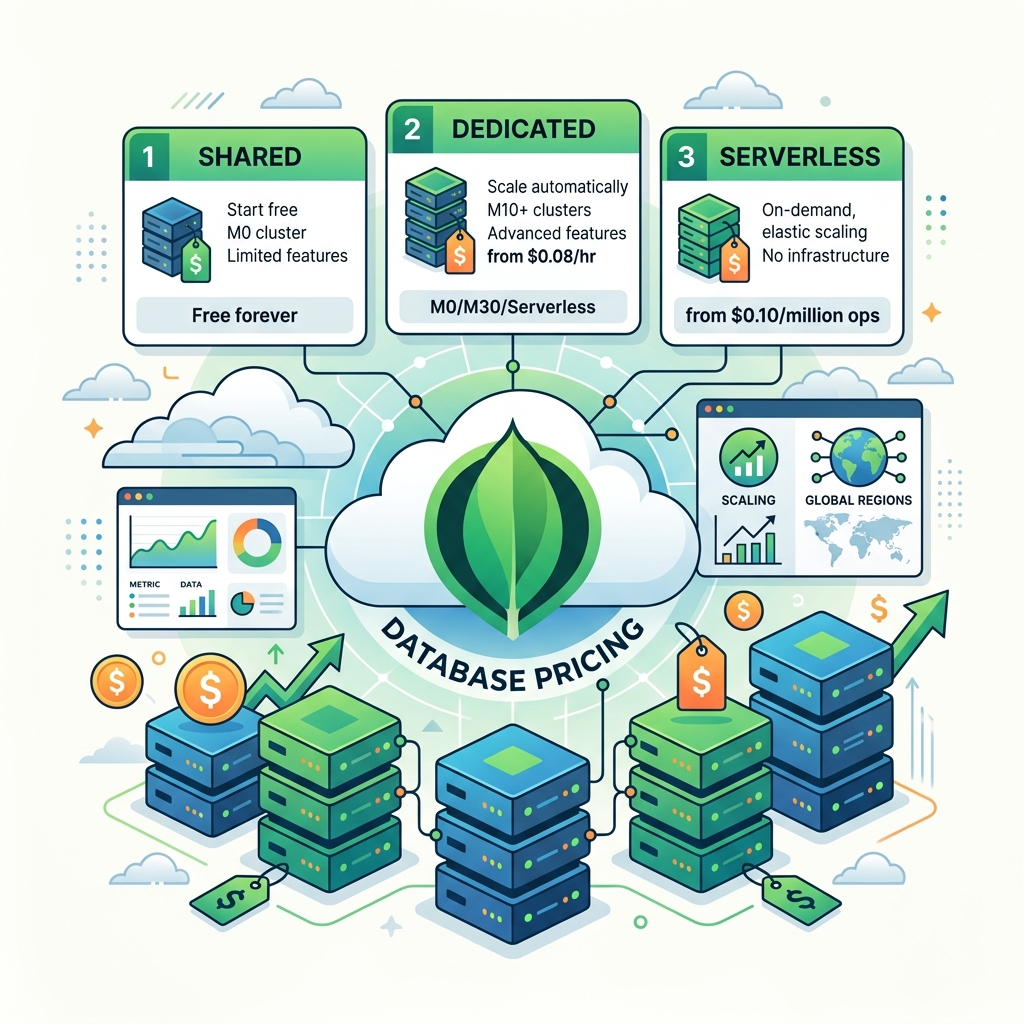
The Three Plans at a Glance
MongoDB Atlas comes in three tiers designed to match different stages of development — from your weekend side project to a production app serving thousands of users. Here's what each plan actually gives you.
Free Plan — 512 MB
The Free tier gives you a shared cluster with 512 MB of storage, shared RAM, and shared vCPU. It's completely free — no credit card required — and it doesn't expire.
The 512 MB limit fills up faster than you'd expect. A few thousand user records with embedded documents, some logs, and maybe some product data — and you're already brushing the ceiling.
Flex Plan — Usage-Based Pricing
The Flex plan is MongoDB's pay-as-you-go tier. You're charged based on how many operations per second your cluster handles. The base rate is $0.011/hour, which roughly equals $8/month at idle.
Flex Pricing Tiers
| Ops / Second | Hourly Rate | Est. Monthly Cost |
|---|---|---|
| 0 – 100 (Base) | $0.0110 | ~$8.00 |
| 100 – 200 | $0.0205 | ~$15.00 |
| 200 – 300 | $0.0288 | ~$21.00 |
| 300 – 400 | $0.0356 | ~$26.00 |
| 400 – 500 | $0.0411 | ~$30.00 |
Costs scale with usage. If your app mostly idles at night and spikes during business hours, you'll naturally stay at the lower tiers — making Flex quite cost-effective for early-stage apps.
Real Usage Examples & Cost Estimates
Here's what Flex actually costs for two typical early-stage products. These examples are calculated based on realistic usage patterns — not 24/7 peak load.
Mostly idle nights keep costs near the base tier — great for MVPs.
Higher ops during the day, but idle hours cushion the bill significantly.
Hitting the Storage Limit
Both Free and Flex plans have hard storage limits. The Free plan offers just 512 MB, and Flex gives you a fixed 5 GB — with no option to increase it within either plan.
Option 1 — Upgrade to Dedicated
If your data volume genuinely needs to grow beyond 5 GB inside MongoDB, upgrading to a Dedicated cluster (M10 and above) gives you configurable storage, dedicated resources, and proper production guarantees.
Option 2 — Use External Storage (The Smart Workaround)
For most early-stage apps, the 5 GB MongoDB limit isn't actually the bottleneck — it's the large files like images and videos sitting in your database that are consuming space. The fix: don't store files in MongoDB at all.
The pattern is simple: store only references (a URL string) in MongoDB, and keep the actual binary data in a dedicated storage service. This lets you stay on Flex for a very long time without hitting storage constraints.
Which Plan Should You Pick?
Here's the simple rule: start with Free, graduate to Flex when you're ready to accept real users, and move to Dedicated when you're generating revenue and need reliability guarantees.